
Fentrica vs BMS
Your BMS does its job. It monitors equipment, controls HVAC, raises alarms. The problem is what happens after:
- alarms that don't reach anyone
- faults that never trigger a threshold
- resolutions that take days of phone calls and emails

What a BMS Does Well
A BMS (Building Management System) is the control layer for your building’s technical systems: HVAC, ventilation, metering, and safety systems. Here’s what a BMS handles:
Real-time monitoring
Live equipment status, schematic graphics, and sensor readings across HVAC, ventilation, and metering.
Control
Adjust setpoints, modify schedules, switch heating/cooling modes, manage occupied and unoccupied periods.
Alarms
Threshold-based alerts when values go out of range. Acknowledgment, silencing, and routing configuration.
Trend logging
Historical data for every connected point, available for manual review in a trend viewer.
Safety interlocks
Freeze protection, fire and life-safety, emergency stops. Run deterministically on local hardware even if the network goes down.
Where the BMS Falls Short
A BMS controls one building’s technical systems but everything after that is a manual excercise. Additionally, a property manager needs an operations platform across a portfolio, not a single building view.
Alarms Go Unread
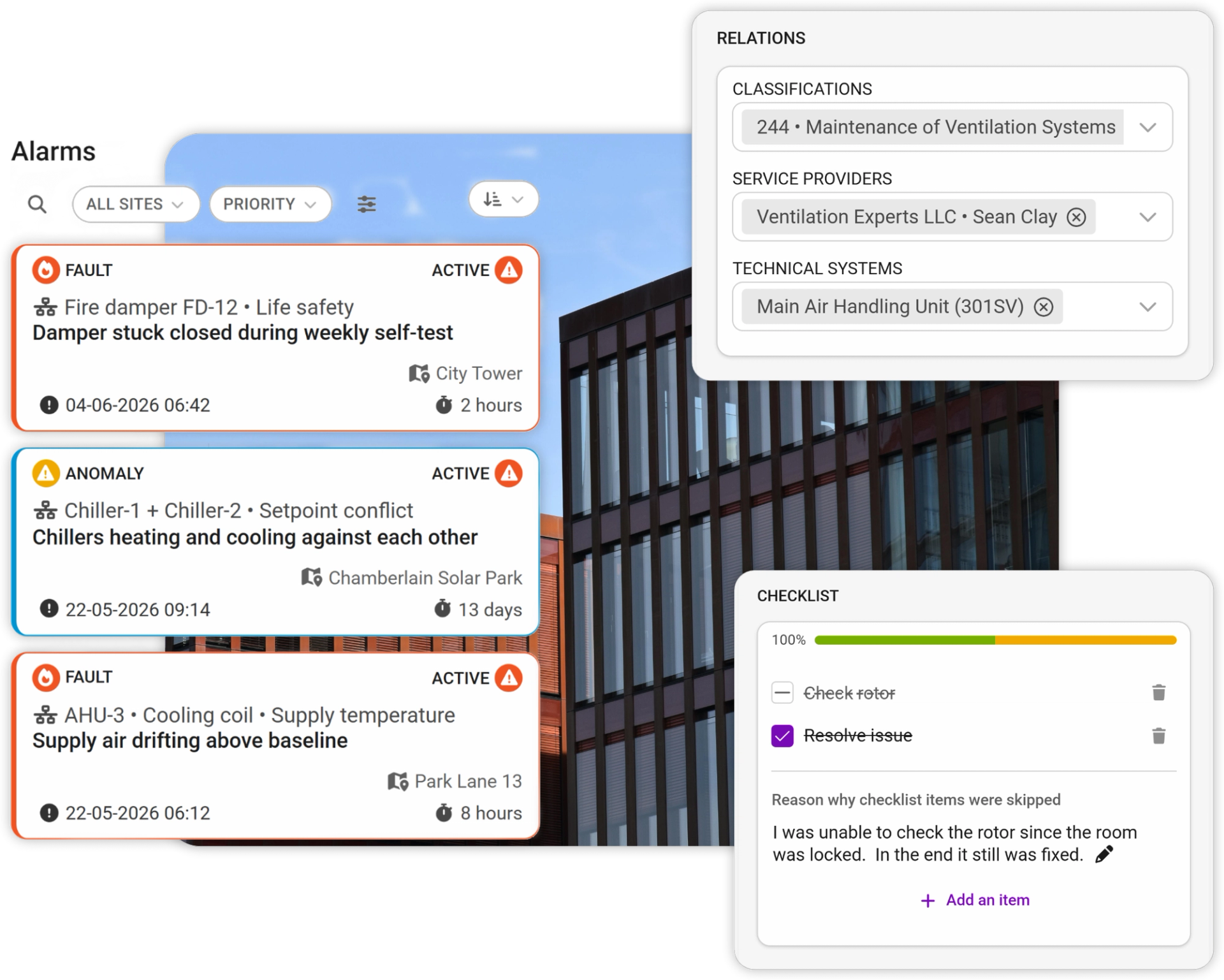
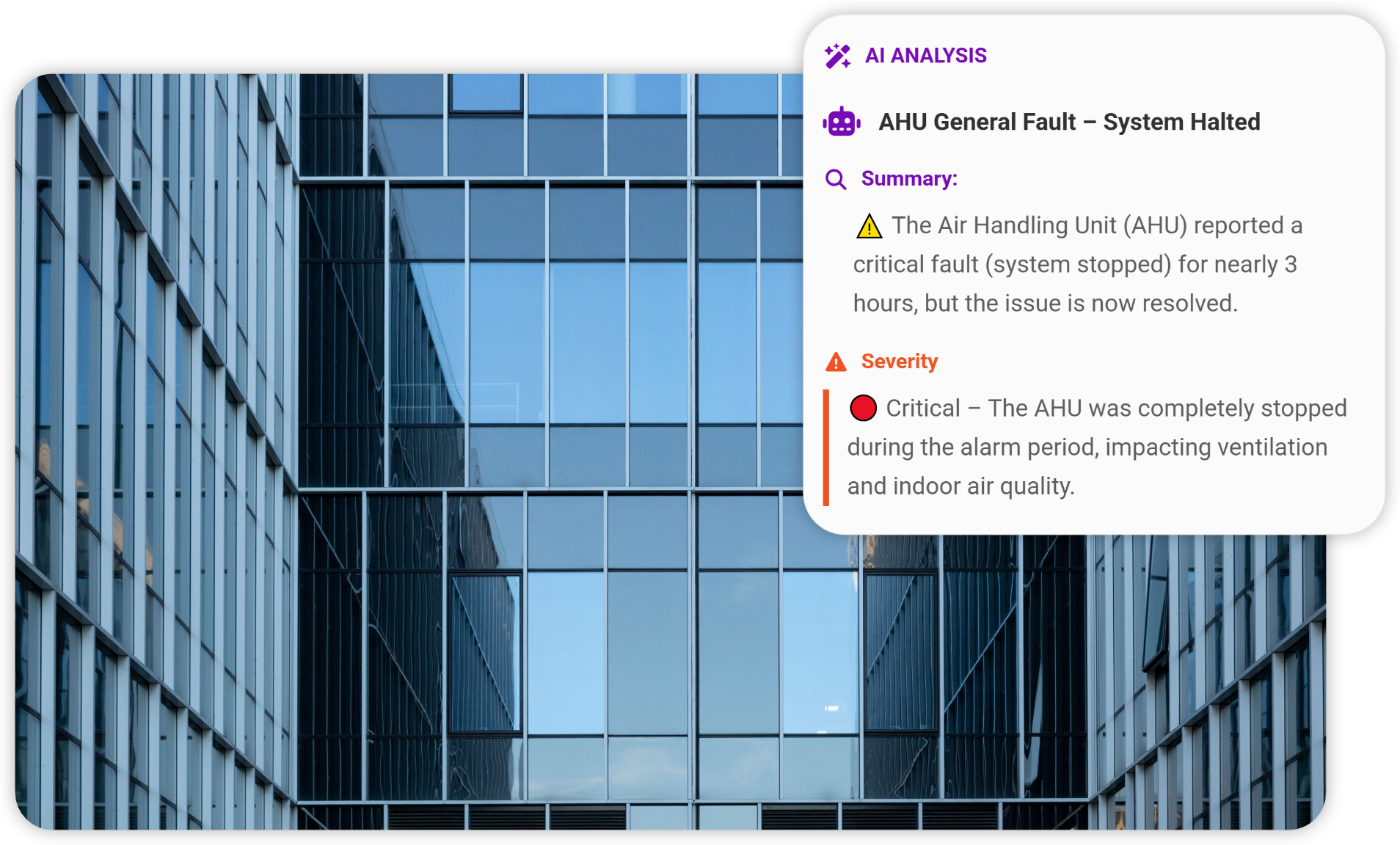
BMS alarms pile up because most don't need urgent action and many are noise. Real alarms get buried. Operators learn to ignore them. But often the alarms don't arrive at all: SMTP credentials expire, spam filters block messages, and nobody notices because channel health isn't part of any maintenance scope. Most problems are discovered by tenant complaints or maintenance rounds, not notifications.
Faults That Don't Trigger Thresholds
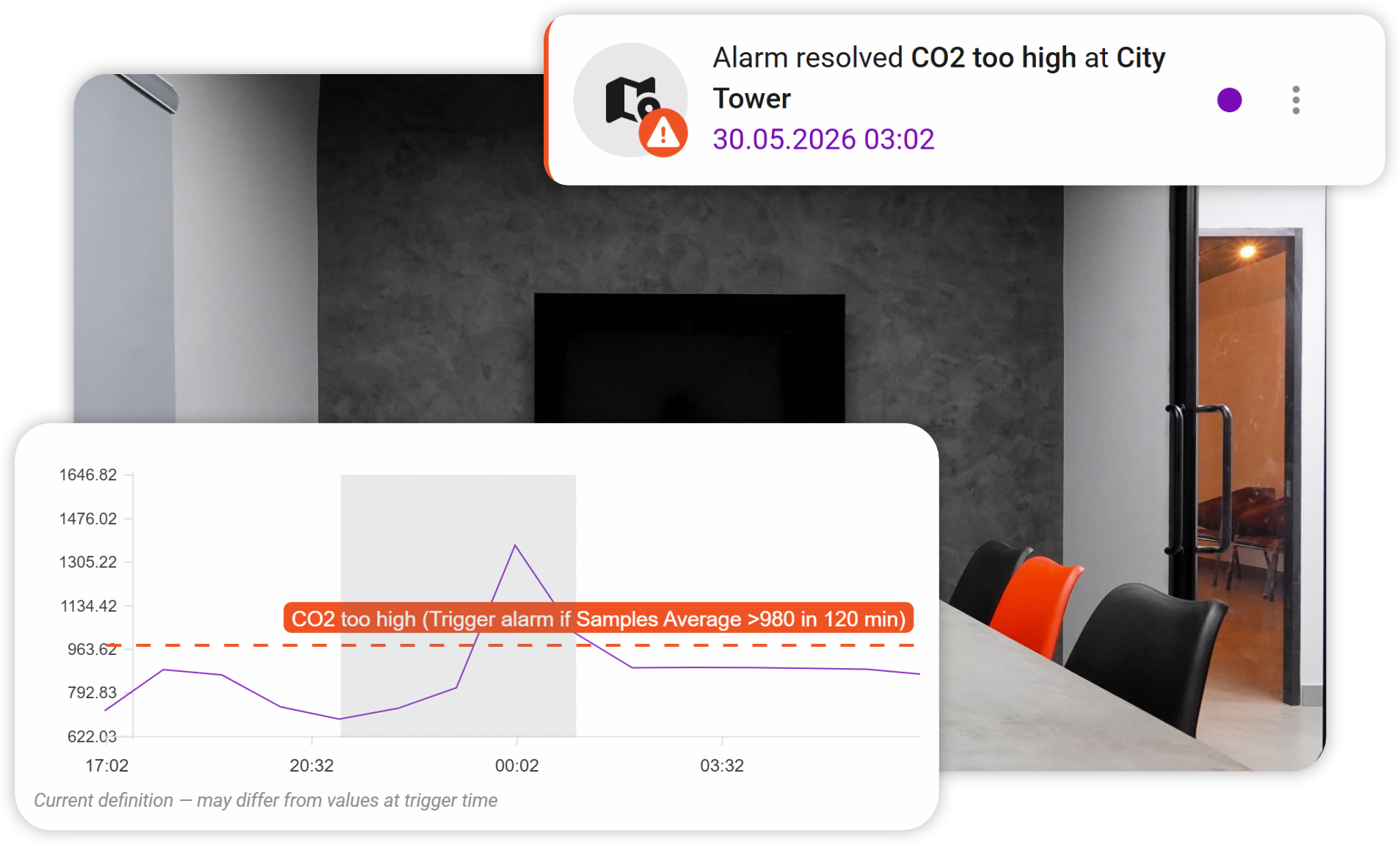
A BMS only alarms when a value crosses a configured threshold. But many real faults look fine on paper: a pump cycling more often than usual, two HVAC systems quietly fighting each other, return air drifting up slowly over weeks. None of it trips an alarm. The trend data that would reveal these problems is sitting in your BMS database, but nobody is using it.
Ten Buildings, Ten Logins
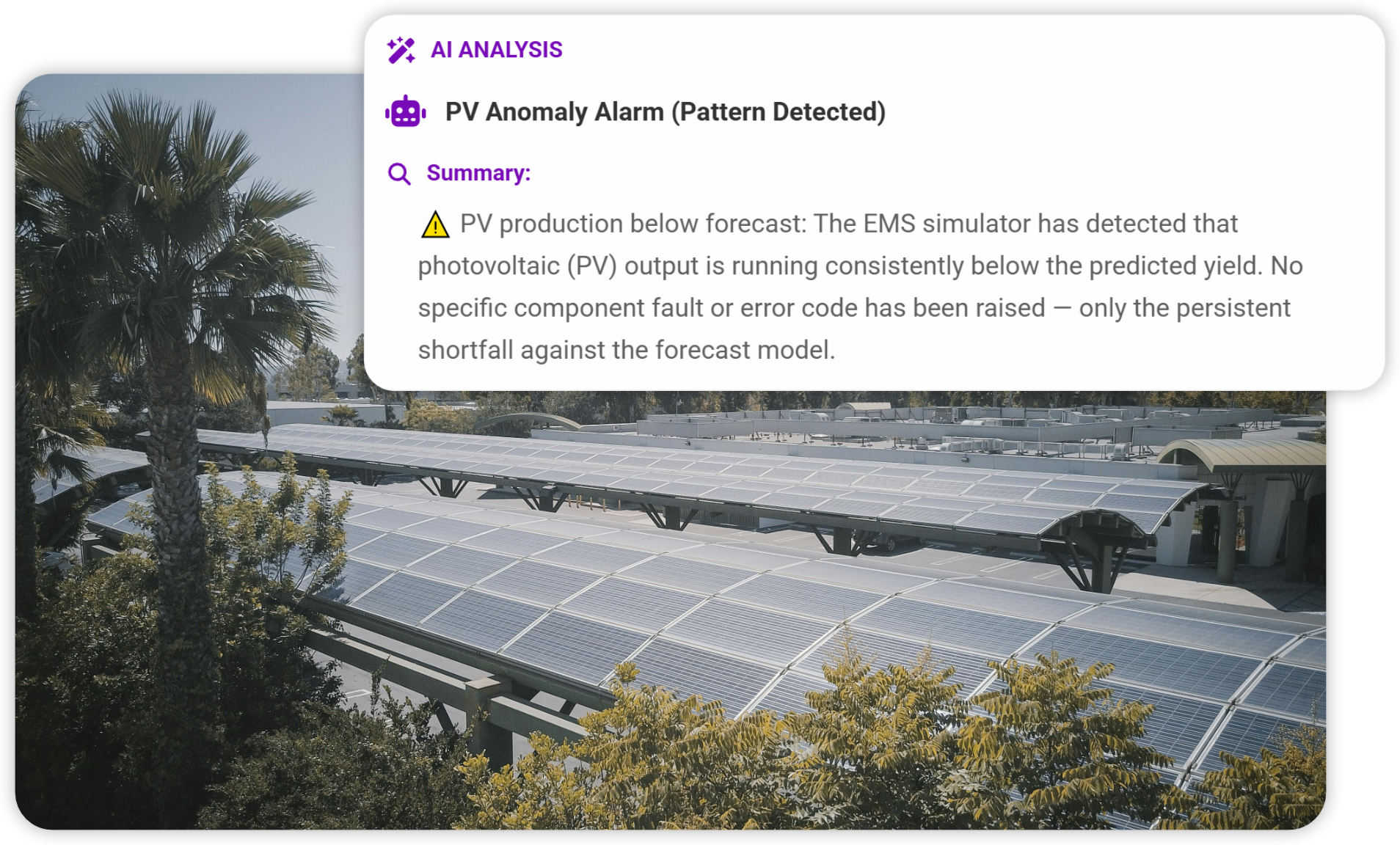
A property manager with 10 buildings almost always has mixed BMS vendors: acquisitions over decades, different integrators, floor-level retrofits. There's no unified view of equipment health, maintenance debt, or energy performance across the portfolio. Vendor-native cloud only works for single-vendor assets. The realistic mixed portfolio has no unified view.
Everything After the Alarm is Manual
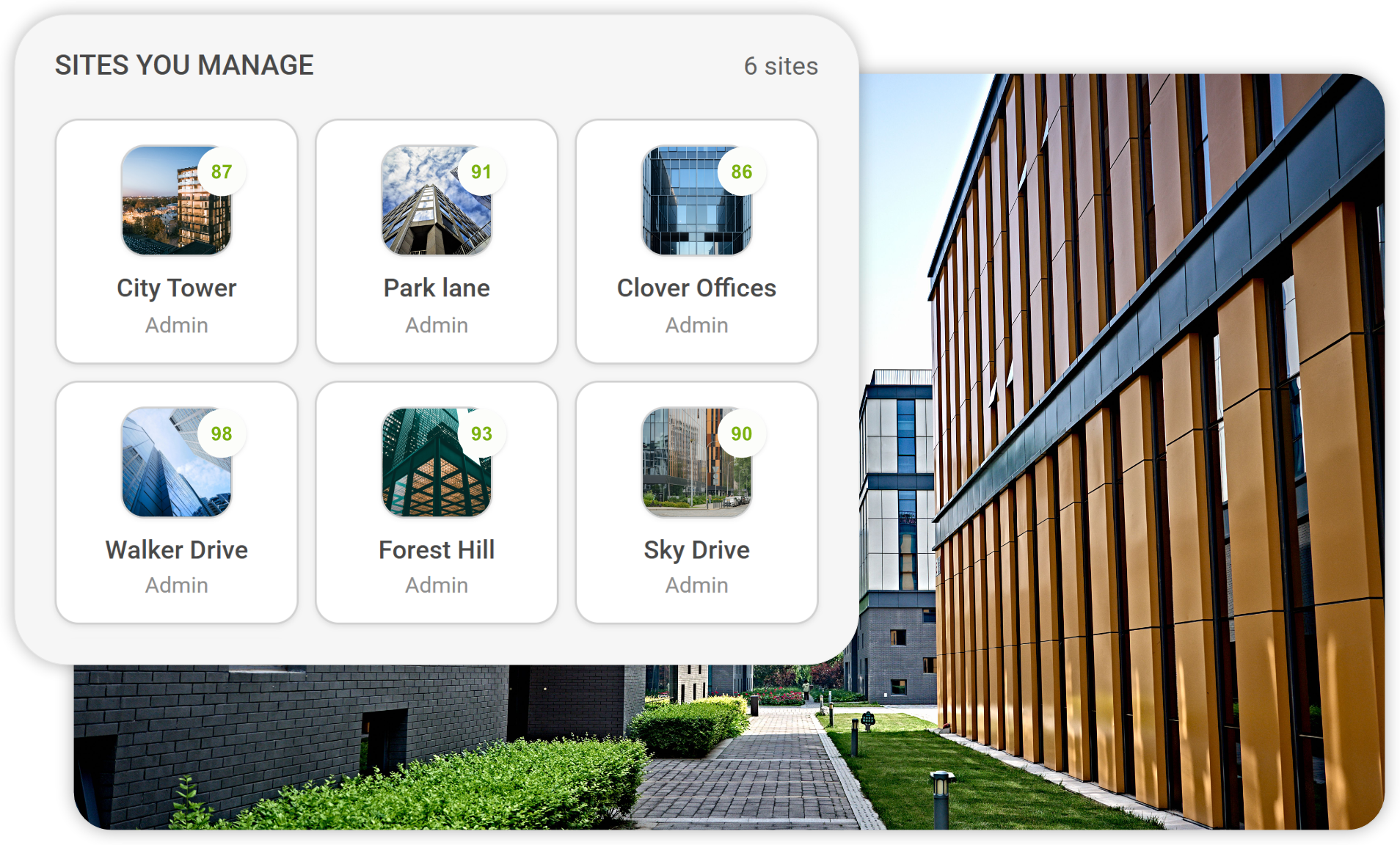
A BMS shows you the fault. After that, you're in email and on the phone. Logging a ticket somewhere, finding a vendor, arranging access, sending the manual, explaining context. The alarm and the resolution live in completely different worlds.
What Actually Changes
Real-time equipment status, schematics, sensor readings, control setpoints.
Reads live from the BMS. Adds anomaly detection, performance trending, and AI summaries on top.
Threshold-based. Noisy. Reviewed manually — or not at all.
BMS alarms filtered by severity, deduplicated, routed to the right person on shift with context.
Only what crosses a configured threshold. Slow degradation invisible.
Anomaly detection across BMS trend data. Catches drift, conflicting setpoints, and silent failures.
Ten buildings = ten logins. Vendor cloud only works single-vendor. Mixed estates have no unified view.
One login, one view across all your BMS systems — via company single-sign-on, not shared passwords.
Not a BMS function.
Live building data connected to maintenance. Work orders, vendor dispatch with digital access and AI context, complete maintenance history.
Separate systems. No link to maintenance, tenants, or billing.
Integrated. Meter data flows into cost allocation software. Access passes sync from one entry, tied to contracts.
Shows kWh. No cost context, no optimisation, no price awareness.
Energy in € with spot price, weather normalisation, demand charges. Active optimisation: pre-heating, peak shaving, load shifting.
None. BMS is operator-facing only.
Tenants log requests, track status, view consumption, and control approved doors and lighting.
What Fentrica Adds On Top of Your BMS
Fentrica doesn't replace your BMS — it sits on top of it and turns building data into building operations.
Hardware Agnostic
Connects to 1,000+ building systems through BACnet, Modbus, MQTT and REST. Multi-vendor portfolios unified in one view.
Filtered Alarms
BMS alarms deduplicated and ranked by severity. Only the ones that need action reach a human — with context attached.
Anomaly Detection
AI analyses BMS trend data for drift, conflicting setpoints, and degrading performance. Faults caught weeks earlier.
Work Orders Built In
Turn a BMS alarm into a work order with vendor, digital access pass, equipment history and AI fault summary attached.
Metering & Access Automation
Smart meter data flows into accounting. Digital access passes sync across doors, parking and vendors from one entry.
Portfolio Dashboard
Maintenance debt, fault patterns, equipment health and energy KPIs across every site — regardless of BMS vendor.
Which Approach is Right for You?
Your BMS isn't going anywhere. The question is whether you stop at "the BMS shows it" or you let an operations layer act on it.
BMS Only
Stay With Just Your BMS
Best for single-building operations where a dedicated on-site engineer is already watching the BMS dashboard most of the day.
- One building or a tightly-clustered site with on-site engineering staff
- BMS alarms are reviewed live by a human, not piled up overnight
- No need to dispatch external vendors or manage tenant access
- Meter reads either don't flow into accounting or aren't worth automating
Add Fentrica On Top of Your BMS
Best for portfolios where the BMS is one of many systems and operations stretch across vendors, buildings, and tenants.
- Multi-building portfolio, especially with multiple BMS vendors
- Alarms pile up faster than humans can review them
- External vendors and on-site contractors dispatched regularly
- Meter reads need to flow into accounting or cost allocation software
- Tenants expect a portal for requests, status, consumption, and access
- Slow degradation faults keep slipping past your alarm thresholds
Fast, Low-Risk Deployment That Goes Live in Weeks
- 01
Connect to Your BMS
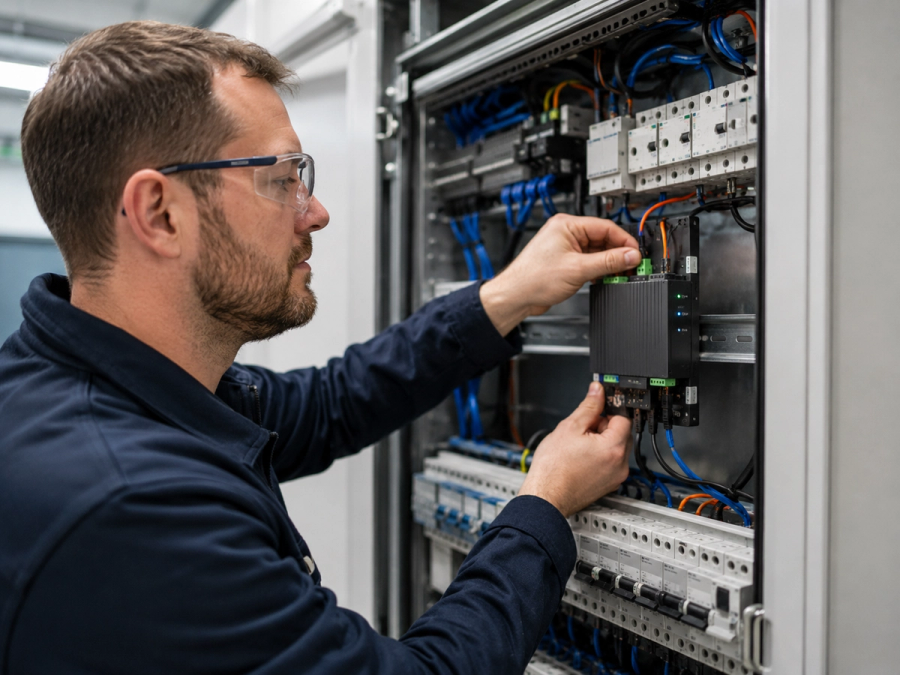
A small edge device is installed near your BMS panel by us or an installer partner. It plugs into your existing network, reads your building data, and sends it securely to Fentrica's cloud over an encrypted connection. Nothing is rewired or replaced. If you unplug it, your BMS keeps running exactly as before.
- 02
We Onboard Your Team
As many training sessions as needed until everyone feels confident. We set up your dashboards, configure alerts, and teach your team how to best use the newly surfaced building data and automations.
- 03
Scale When You're Ready
Start with one building. Add more across your portfolio at your own pace, regardless of BMS brand.
Ready to See What Your BMS Has Been Missing?
30-minute call. No commitment. We'll connect to a sample of your BMS data and show you what an operations layer on top actually surfaces.
Frequently Asked Questions
No. Fentrica reads from your BMS through open protocols (BACnet, Modbus, MQTT, REST). The BMS keeps doing control and safety. Fentrica adds the operations layer on top: filtered alarms, anomaly detection, work orders, vendor dispatch, metering automation, portfolio views.
Mostly yes. Fentrica connects to over 1,000 building systems through open protocols. We support all major BMS brands — Honeywell, Siemens, Schneider, Trend, Distech, and many more. Fully closed proprietary systems may need a small additional gateway. We assess this with you beforehand. No surprises after commitment.
That's where Fentrica is strongest. Fentrica is hardware-agnostic, so you get one dashboard across every building regardless of which BMS each site runs. No more logging into five different vendor portals.
No. Fentrica is read-mostly: it observes BMS points and trend data, and only writes back changes you explicitly configure (for example, setpoint optimisation when you opt in). Safety interlocks, freeze protection, and life-safety logic stay where they belong — on the BMS controllers.
A BMS raises an alarm whenever a value crosses a configured threshold, which produces a lot of noise. Fentrica filters BMS alarms by severity, deduplicates repeated alerts from the same root cause, and routes only what needs human action — with equipment context, history, and AI fault summary attached, ready to be turned into a work order in one click.
Typically 1–4 weeks from edge device delivery to live dashboard. Multiple onboarding sessions until your team feels confident. We don't hand you a manual and disappear.
Pricing depends on use case and building complexity, starting from €80 per module. You only pay for the modules you use — alarms, work orders, metering, access, tenant portal — not a flat all-or-nothing fee.
Fentrica is ISO 27001 certified — the highest standard for information security. Your data is stored on European servers. Administrative access is strictly limited to designated senior technical roles, with all privileged actions logged.
We're with you until you get the most out of the platform. But if it's not the right fit, you're free to leave anytime. Your data can be downloaded and taken with you. Your BMS is untouched. No lock-in.
Comparing From a Different Starting Point?
Your situation might be different. If your main tool is a CMMS rather than a BMS dashboard, the gap is the opposite — your CMMS manages tickets but can't see what's happening inside the equipment.