
Your Maintenance Tool Can't See Your Building
A standalone maintenance tool manages tickets, schedules preventive maintenance, and tracks vendor work. It does that well.
But it operates on what people tell it — not on what's actually happening inside the building.

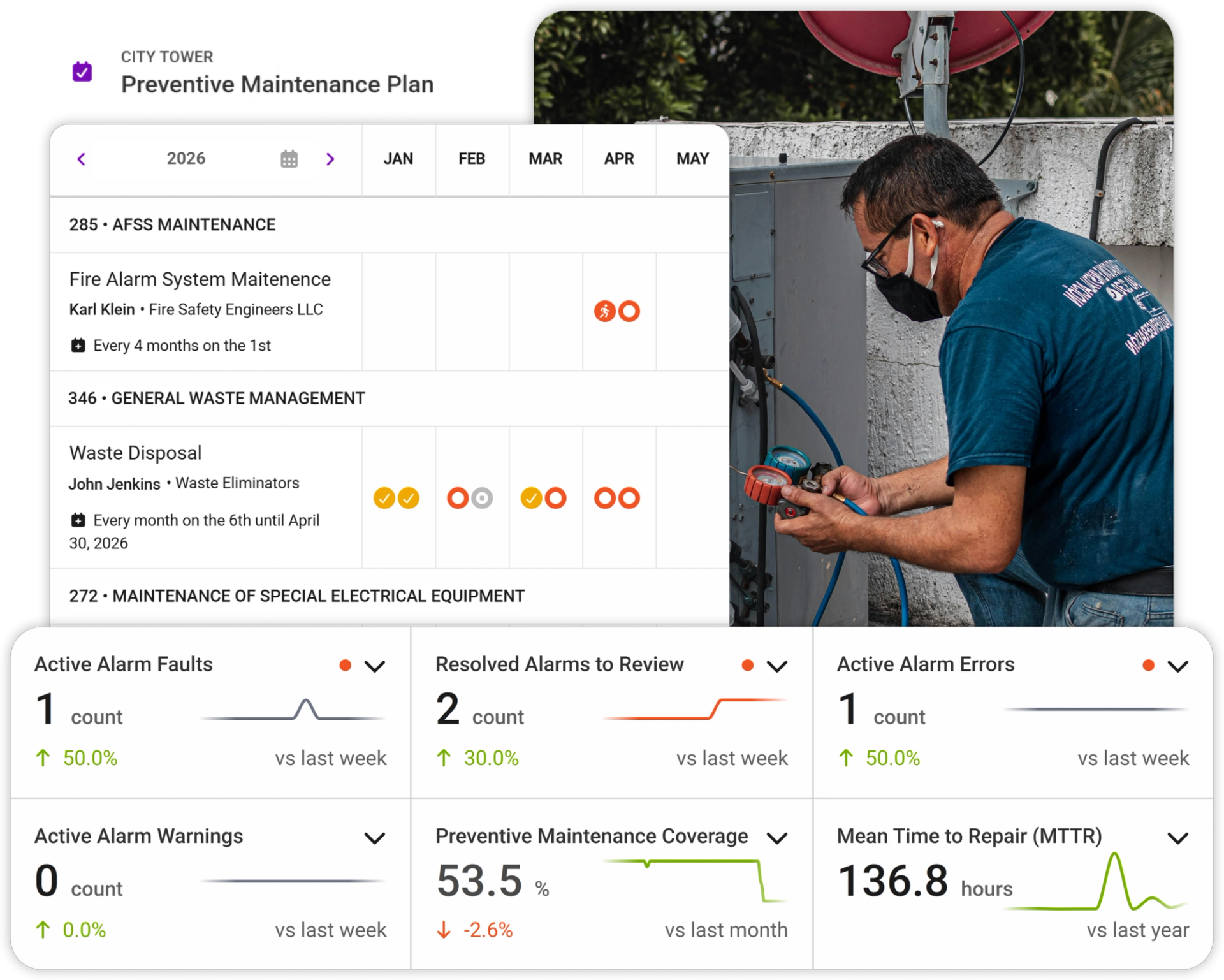
What a standalone CMMS does well
A Good Maintenance Tool Solves Real Problems. If you've moved from spreadsheets and email to a dedicated maintenance tool, you've already made a significant upgrade. A standalone CMMS brings real structure to building operations.
Structured work orders
Email chaos replaced. Every task is logged, assigned, and tracked in one place.
Scheduled preventive maintenance
Nothing gets forgotten. PM tasks run automatically on schedule.
Maintenance history
Knowledge survives personnel changes — the history stays in the system.
Vendor coordination
Work orders are assigned through the platform, not scattered across email threads.
Document storage
Leases, contracts, and inspection reports live in one place instead of email attachments.
Where the gap is
What Your Maintenance Tool Can't Do
When your maintenance system is disconnected from your BMS, access control, and metering, you're managing symptoms instead of finding causes.
It Can't See the Building
A maintenance tool knows what humans entered. It doesn't know that the AHU has been trending above baseline for two weeks, that two HVAC systems are conflicting and wasting energy, or that a ventilation unit went offline yesterday. Without a BMS connection, your CMMS waits for someone to notice a problem and create a ticket.
"Preventive" Maintenance Is Still Reactive
A CMMS schedules maintenance by time: check the AHU every 90 days. But if the AHU is performing perfectly at day 89, you're sending a technician for nothing. If it started failing at day 30, you won't know until day 90 — or until a tenant complains. Predictive maintenance reacts to live equipment condition data, not what the calendar says.
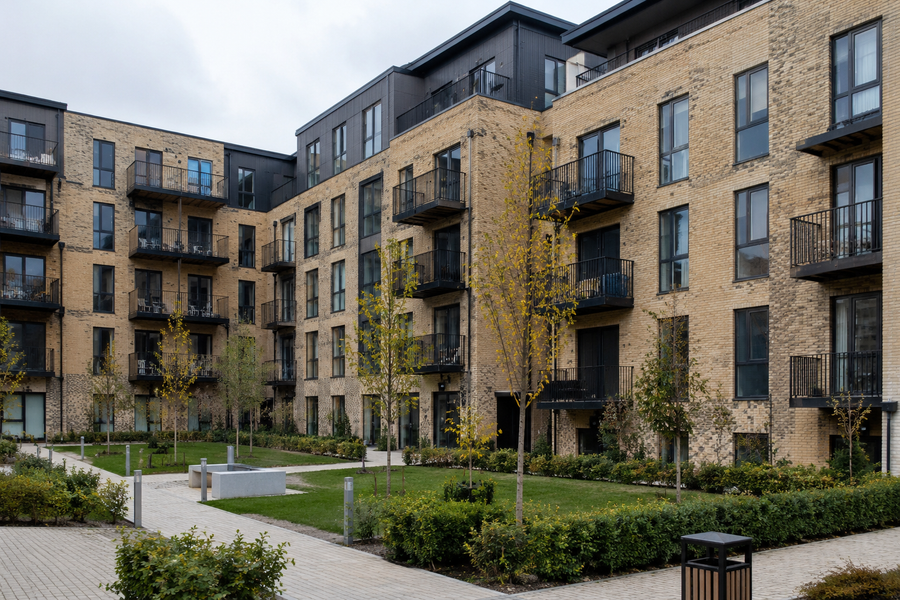
Case in point
“When one Baltic property manager connected Fentrica for the first time, the platform immediately discovered two ventilation units offline for over two weeks, five cameras down, and a systematic metering error. Their maintenance tool had no way to know. Left undetected, the ventilation issue would have caused mould and tenant air quality complaints.”
It Only Covers Maintenance
A CMMS handles maintenance and document storage well. But a lot of daily property management work has nothing to do with work orders: creating access passes for tenants and vendors, forwarding meter reads into accounting, compiling reports. All of this is tedious manual work that can be automated easily when your systems are connected.
It Measures Activity, Not Outcomes
A CMMS tracks tickets logged, tasks completed, PM schedules hit. But it can't tell you whether equipment health is improving or degrading, whether energy consumption is normal, or whether the same root cause is driving a dozen complaints across your portfolio. Work orders create a feeling of control. Connected data shows you the real picture.
What Actually Changes
Manual creation from tenant requests or PM schedules.
Full work order management + anomaly alerts so issues get caught earlier.
None. CMMS only knows what someone enters.
Real-time monitoring of HVAC, ventilation, access, metering. Anomalies and faults flagged before complaints.
Calendar-based: check every 90 days regardless of condition.
Predictive: maintain when equipment data says so. Calendar as fallback.
Work order assigned. Access arranged separately by phone or email.
Work order includes digital access pass, relevant documentation, systems history, and AI-provided problem context. Vendor arrives prepared.
Not part of CMMS. Managed in separate systems. Passes created one by one.
Doors, parking, digital passes synced from one entry. Tied to contracts and invoicing.
Not part of CMMS. Downloaded manually and re-keyed into accounting.
Smart meter data flows directly into cost allocation software. Zero copy-paste.
Some CMMS tools offer a basic request portal.
Tenants log requests, track status, create passes, view consumption, control doors and lighting.
Limited. Cross-building comparison requires manual work or enterprise tier.
One dashboard: maintenance debt, fault patterns, equipment health across all buildings.
What You Get with Fentrica
One connected platform that replaces your patchwork of tools and actively makes your operations smarter.
Full Maintenance Module
Work orders, preventive scheduling, vendor management, maintenance history. Everything a standalone CMMS does, built into the platform.
Connected Systems
BMS, maintenance, access, and metering in one platform. Your CMMS sees tickets. Fentrica sees the building.
Live Equipment Monitoring
Real-time HVAC, ventilation, and metering status. Anomalies flagged before they become tenant complaints.
Predictive Maintenance
AI flags equipment faults early. Technicians arrive once with the right parts and full context.
Access & Metering Automation
Meter data flows into accounting. Access passes sync across all systems from one entry, tied to contracts and tenancy dates.
Hardware Agnostic
Connects to 1,000+ building systems through open protocols. Your existing equipment stays.
What changes in practice
Every time I open my email and see another request for a report or data, I read it, close it, mark it unread, and do the actual job when I'm reminded of it again. It's just so tedious pulling all the information together and formatting it the right way.
Which Approach is Right for You?
Both approaches have their place. Here's our honest assessment.
Standalone CMMS
Keep Your Standalone CMMS
Best for operations where maintenance management is the only need. No BMS integration required, no access control, no metering automation.
- Fewer than 10 simple units with no active technical systems
- Maintenance is primarily scheduled, rarely urgent or unpredictable
- No need for live equipment monitoring or predictive maintenance
- Comfortable coordinating vendor access and meter reads manually
Move to Fentrica or Connect Fentrica to Your CMMS
Best for operations where maintenance is part of a bigger picture where HVAC, access, metering, and tenant workflows all need to work together.
- 10+ units with active technical systems (HVAC, ventilation, access, metering)
- Need to see live building status, not just ticket status
- Want predictive maintenance, not just calendar-based
- Tired of re-keying meter data and creating access passes one by one
- Need one portfolio view across all buildings
- Want maintenance connected to the rest of the operation
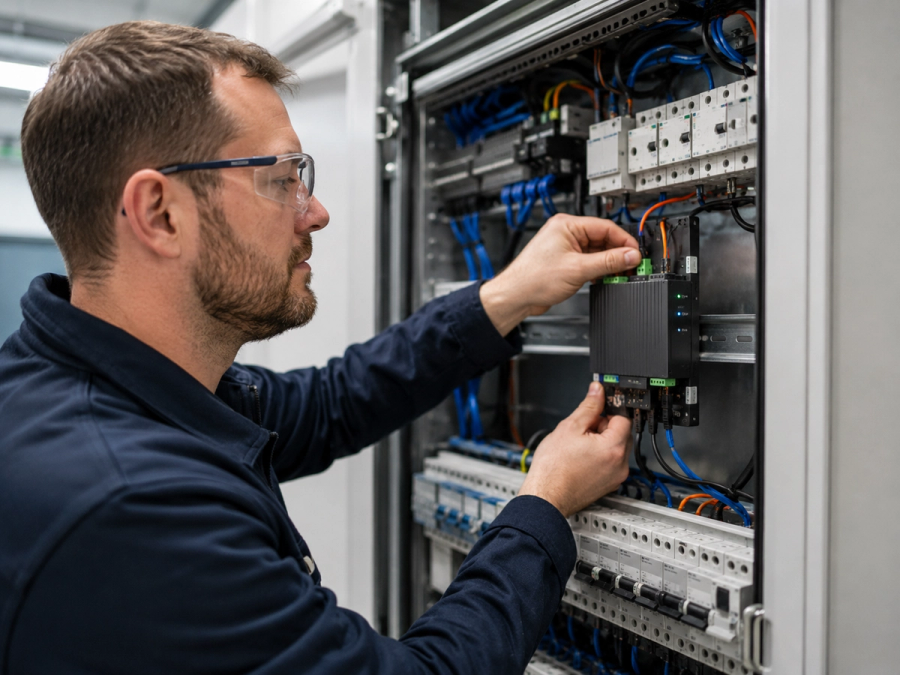
How implementation works
- 01
We Ship You the Fentrica Edge Device
It connects to your existing BMS, HVAC, metering, and access systems.
- 02
Our Engineers Help You Set It Up Remotely
We help you set up the platform and run as many onboarding sessions as needed until your team feels confident.
- 03
You're Live in 1–4 Weeks
Your existing equipment stays. Nothing gets ripped out.
Ready to Make Your Maintenance More Efficient?
30-minute call. No commitment. We'll show you what Fentrica looks like alongside, or instead of, your current maintenance tool.
Frequently Asked Questions
Yes. Fentrica can layer on top of your current maintenance tool, providing live building data, access automation, and metering integration to your existing workflows. Or you can use Fentrica's built-in maintenance module and consolidate into one platform. Whichever path fits your team.
Core maintenance features are equivalent: work orders, preventive scheduling, vendor management, maintenance history. The difference is that Fentrica's maintenance connects to your live BMS data, access control, metering, and tenant workflows. A standalone CMMS manages tickets in isolation. Fentrica manages tickets in context.
Fentrica doesn't do financial modelling. We connect your metering and building data to your business software (Moderan, Bidrento, or your accounting system) and let the financial tools do what they're built for. This gives you cleaner data in your financial system without the manual re-keying.
Mostly yes. Fentrica connects through open protocols (BACnet, Modbus, MQTT, REST) to over 1,000 building systems. Closed systems may need simple cabling or an additional device. We assess all of this with you beforehand. No surprises after commitment.
Typically 1–4 weeks from edge device delivery to live dashboard. Multiple onboarding sessions until your team feels confident. We don't hand you a manual and disappear.
Pricing depends on use case and building complexity, starting from €80 per module. If you're adding Fentrica alongside your existing CMMS, you only pay for the modules you use — not for the maintenance module you're already running elsewhere.
Fentrica is ISO 27001 certified — the highest standard for information security. Your data is stored on European servers. Administrative access is strictly limited to designated senior technical roles, with all privileged actions logged.
If you choose Path A and keep your CMMS, your maintenance team doesn't switch at all. They keep their familiar tool and gain live building data on top. If you choose Path B, we change your tools as little as possible — the goal is to make operational work faster within how you already work.
We're with you until you get the most out of the platform. But if it's not the right fit, you're free to leave anytime. Your data can be downloaded and taken with you. No lock-in.
Comparing From a Different Starting Point?
Your situation might be different. If your main tool is a BMS dashboard rather than a CMMS, the gap is the opposite — your BMS sees the building but can't manage work orders, vendors, or tenants.